Reading to learn a language on your iPhone: the honest options
The method everyone agrees on is best served by tools built for a device most people do not read on. Here is what actually exists on iOS in 2026 — including which ones are a website in an app costume — and the five-minute test that tells you if one will last.
- “Works on iOS” means two very different things. Check whether it is in the App Store or just a home-screen bookmark.
- Readlang, the best desktop web reader, has no native app. LingQ does, but carries a lot of interface onto a small screen.
- Kindle plus a foreign dictionary is better at reading than any learning app, and does nothing with the words afterwards.
- Judge any tool on two questions: does it reopen exactly where you stopped, and do the words come back to you tomorrow without you fetching them?
Here is a small absurdity of language learning in 2026. The method almost everyone now agrees on — read a lot of things you can mostly follow, look up what you cannot — is best served by software designed for a device most people do not read on.
Reading happens on phones. In bed, on trains, in the four minutes before a meeting starts. Yet the reading tools with the deepest reputations grew up as browser extensions, and some still have no phone app at all.
I build one of the apps below, which you should factor in. Everything I say about the others is checkable on their own sites.
The distinction nobody makes clearly enough
When a tool says it works on iOS, it means one of two things, and the marketing rarely distinguishes them.
- Installed from the App Store, with an App Store listing you can check.
- Launches instantly, even on a cold start.
- Keeps your reading position reliably.
- Survives a phone call, a low-memory day and a browser cache clear.
- A website you visited in Safari and tapped “Add to Home Screen”.
- Slower to start; sometimes a white screen while it fetches.
- More likely to lose your place mid-chapter.
- Can vanish if you clear browsing data at the wrong moment.
For most software this gap is academic. For a reading tool it is not, because reading sessions are long, constantly interrupted, and depend entirely on the thing remembering where you were.
What actually exists
Readlang — no App Store app, and that is deliberate
Readlang is a genuinely lovely web reader with an extension that lets you click any word on any page. On a laptop it is the best of its kind and costs $6 a month.
On a phone, Readlang’s own site points iOS and Android users at home-screen installation instructions. There is no native app. If you read mostly at a desk and occasionally on a phone, that is a non-problem. If it is the other way around, you will feel it every session.
LingQ — real apps, a lot of furniture
LingQ ships proper iOS and Android apps, so the app-versus-bookmark question does not apply. The trade is different: a decade of accumulated features has to fit on a screen the size of your hand, and reading has to compete with everything built around reading.
Some people like the density and I am not going to pretend they are wrong. Install it and judge for yourself — it costs nothing to look.
Kindle plus a foreign-language dictionary — closer than people think
Underrated, and I want to give it a proper paragraph. Buy a Spanish book, install a Spanish-English dictionary, and you get tap-to-define plus a Vocabulary Builder listing everything you looked up. The reading experience beats every learning app on this page, because reading is the only thing Amazon has ever optimised for.
Then it stops. The words sit in a list that is not scheduled, not graded, and does not follow you into the next book. You looked up hidalgo and in three weeks you will look it up again. That missing second half is the entire reason this category of app exists.
Anki — the review half, and only that
AnkiMobile is a one-off paid app and a fine scheduler. It is not a reader, so you are supplying every card by hand — on a phone, which is exactly the kind of friction that quietly ends habits around week three.
Google Translate’s camera — for signs, not for reading
Worth mentioning because a lot of people try it first. Point the camera at text and the translation appears in place, which is genuinely miraculous for a menu or a train timetable.
It is a poor way to read, though, and for an interesting reason: it replaces the foreign text with your own language, so your eyes never spend time on the thing you are trying to learn. You end up reading English through a Spanish-shaped window. Useful when you need to understand something. Close to useless when you want to acquire it.
A dedicated e-reader — the sleeper option
Kobo devices, and Kindle hardware, run the same dictionary trick as the app with the significant advantage that there is nothing else on the device to distract you. If your problem is that you pick up your phone to read and put it down having checked three other things, the answer might be hardware rather than software.
Same limitation as before: the words go into a list, and the list does nothing.
Lemnly — what I built and why
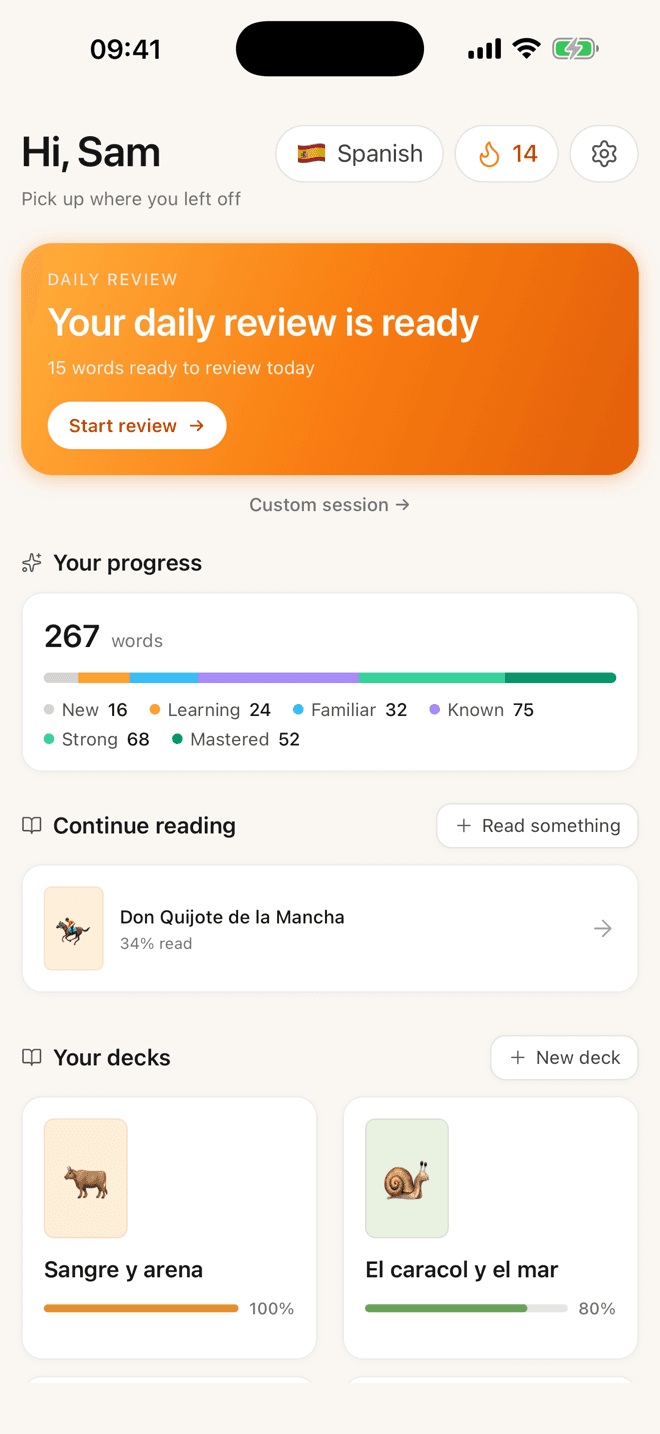
Lemnly is a native iPhone and iPad app. Tap a word for the translation, part of speech, CEFR level and an example; tap once more for what the word is doing in that sentence grammatically. The card closes behind you and the page has not moved. Everything you tapped comes back later on an FSRS schedule.
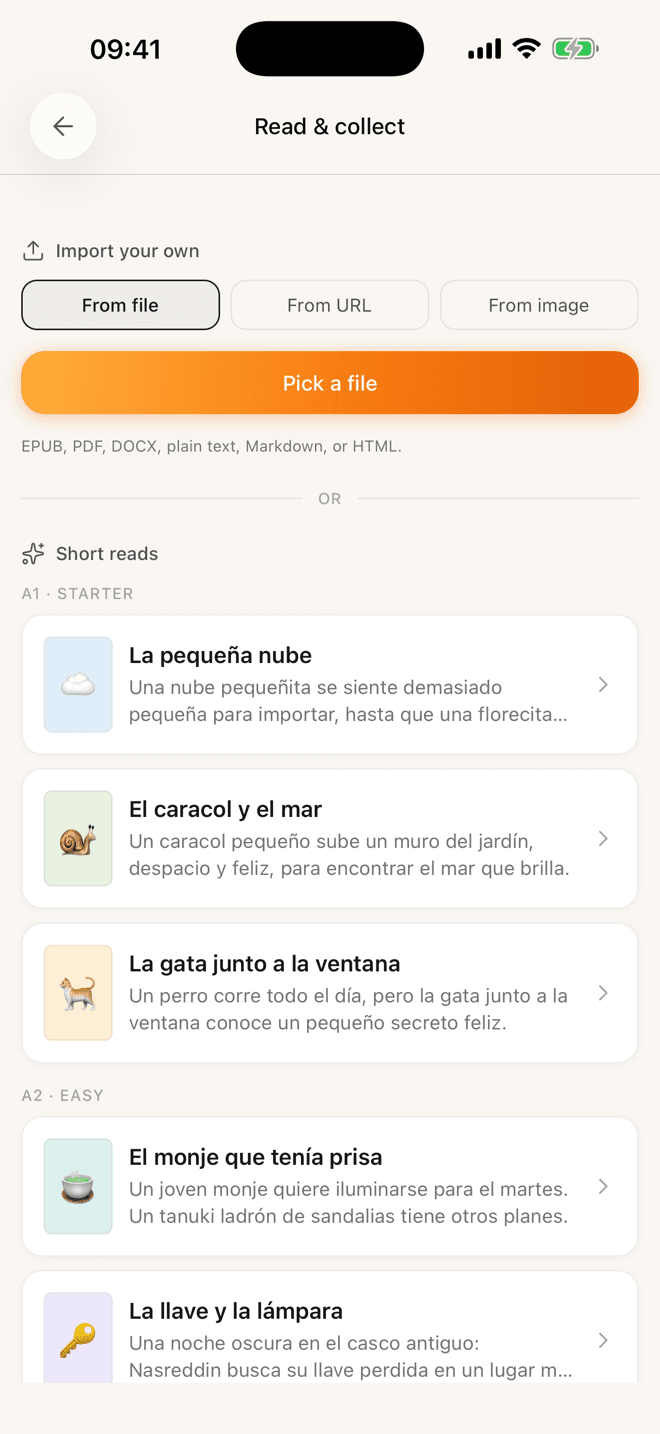
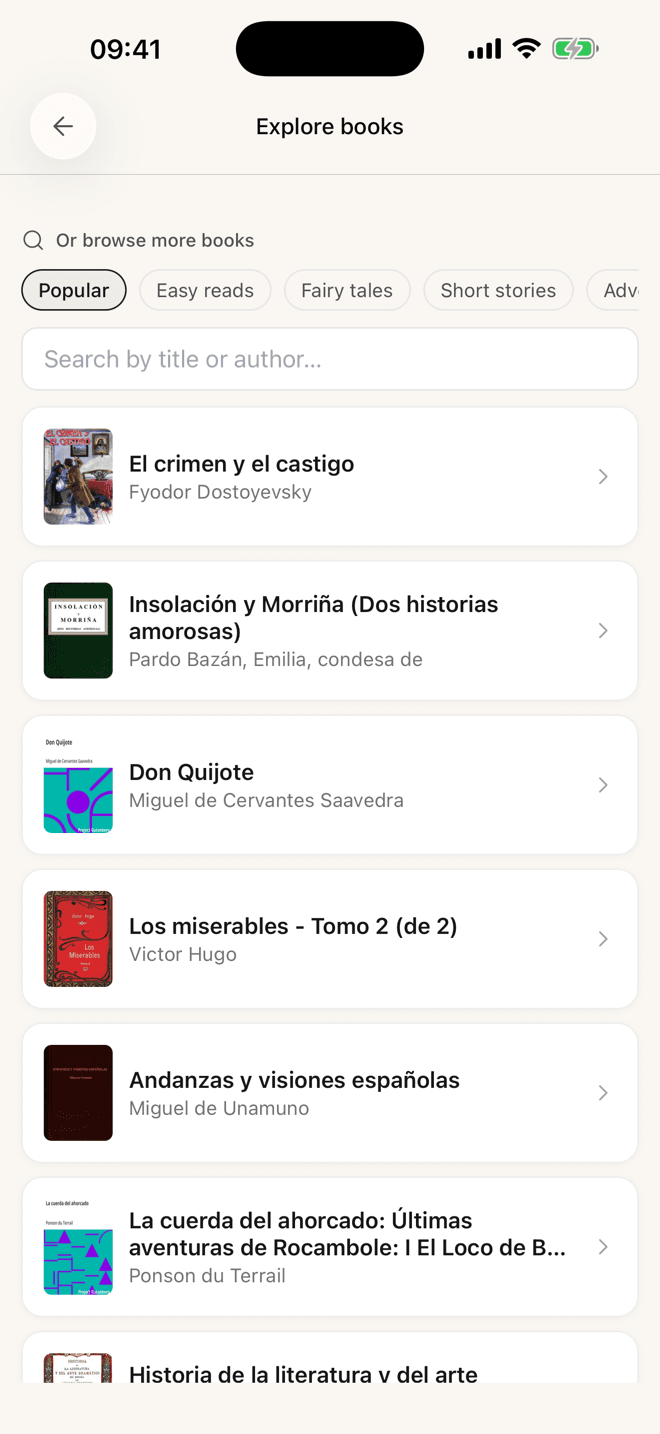
It ships with graded stories from A1 to B2 and a searchable shelf of free classics, and takes a pasted link, an EPUB or PDF, or a photo of a printed page. Free, no cap on saved words.
The limits, stated plainly: three languages — Spanish, German, English — and no browser extension, so reading on the open web means pasting a link. If either matters to you, one of the others above is a better answer today.
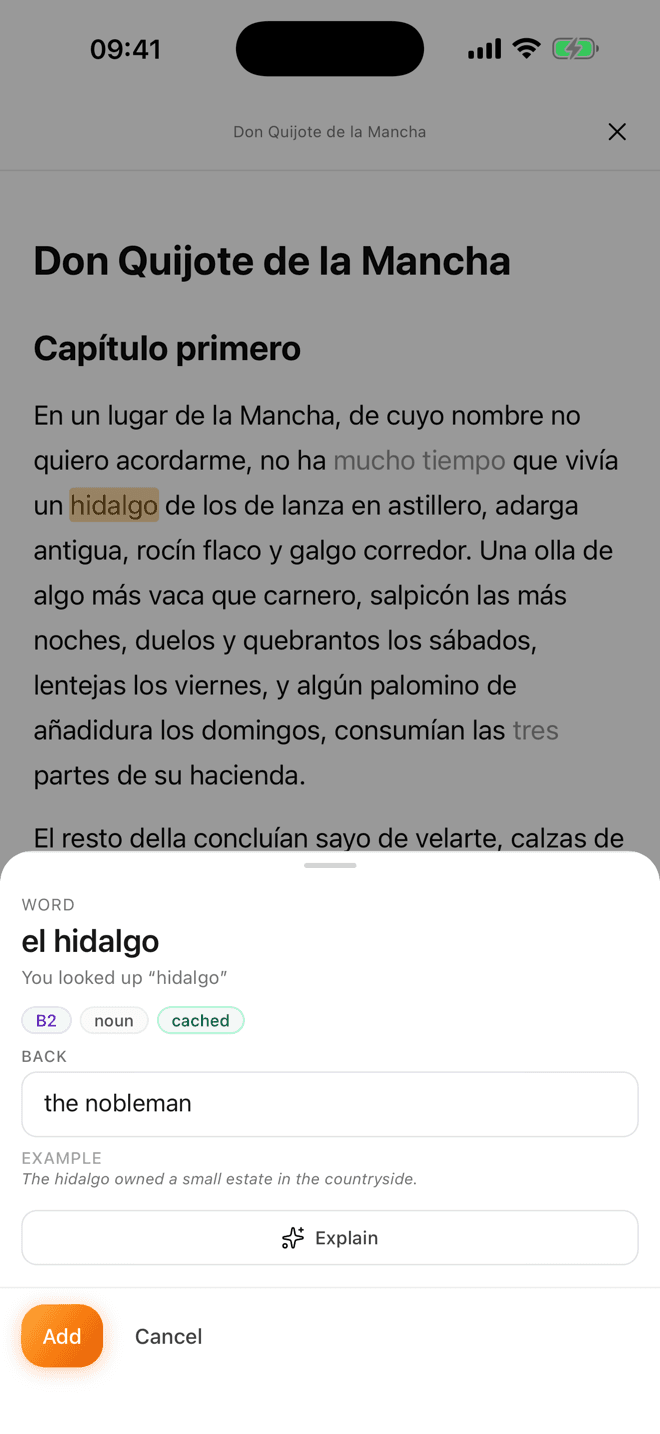
What the loop looks like: a tapped word, the translation, the level, an example, and a button that explains the grammar if the translation was not the confusing part.
The five things that decide whether you keep using it
None of these appear on a feature list, and all of them determine whether the app is still installed in a month.
- Does it reopen on the exact paragraph? Phone reading is reading in fragments. A tool that loses your place charges you a re-entry tax every session, and that tax is what actually kills the habit — not lack of motivation.
- How many taps from “what’s that?” to “saved”? One is good, two is fine, four means you will start skipping words. And once you skip words, reading quietly stops teaching you much.
- Does the lookup interrupt or interject? Some tools navigate you to a definition screen. By the time you are back you have lost the sentence, and losing the sentence costs more than the word was worth.
- Is there something to read on day one? An empty import box asks you to solve “find level-appropriate material in a language you cannot read” before you get any value at all. Most people never come back from that errand.
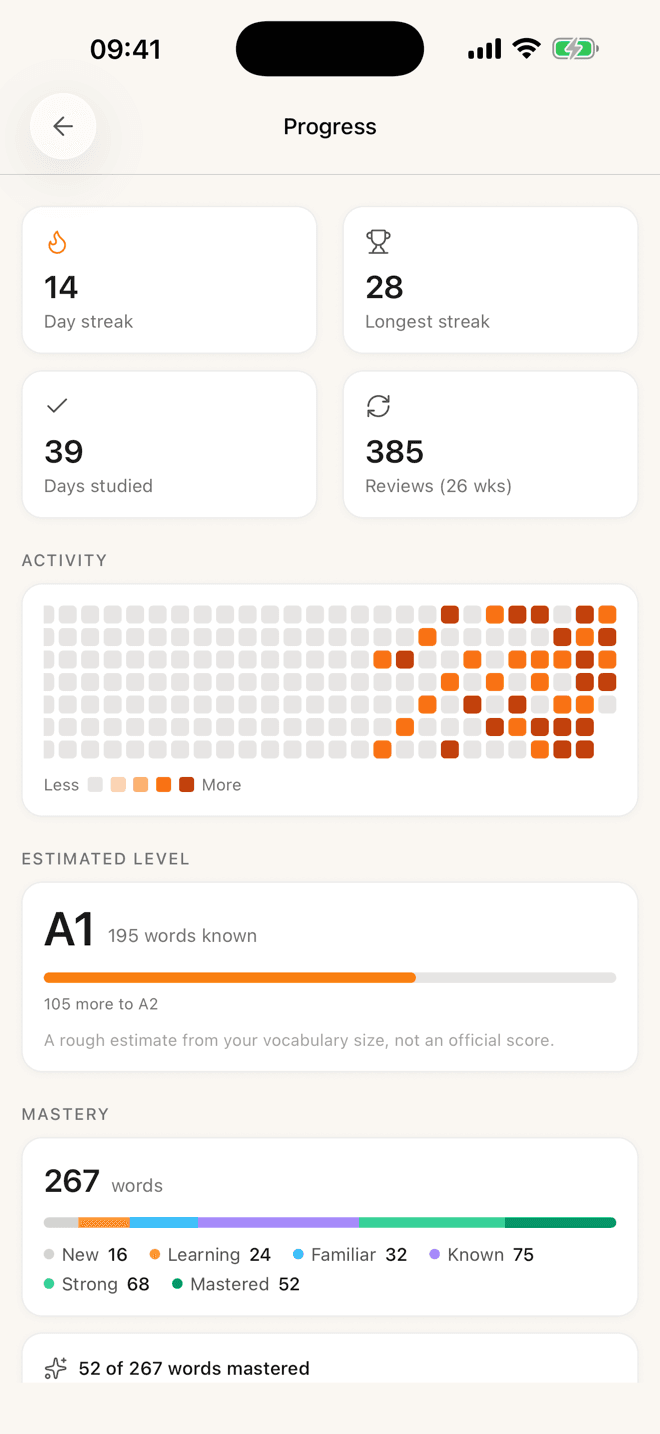
- Does it know what you already know? If your saved words are marked in the text your eye goes to what is new. If not, you re-read the same words forever and feel like you are not improving.
Every one of these tools does tap-to-translate well. The four seconds after the translation appears is where they separate.
A five-minute test before you commit a library
- 1Read one real page
Not the demo text. Something you actually want to read. Tap every word you do not know, no rationing.
- 2Close it, wait ten minutes
Do something else entirely. Then reopen. Did it put you back exactly where you were, immediately, without a loading screen?
- 3Come back tomorrow
Did yesterday’s words find you, or did you have to go and look for them? This is the one that matters.
Nearly every tool passes step one. The ones that pass steps two and three are the ones you will still have at Christmas.
If I had to guess why this category has no clear winner yet, it is that most of these tools were built by people who read at desks, for people who read at desks — and then the entire world moved its reading onto a five-inch screen without telling anyone.
Desktop-first is a completely defensible choice. It is just no longer the same market as “I want to read a chapter before bed,” and a lot of learners bounce between the two categories for months without realising they are different.
The setup I would actually recommend
If you want a concrete answer rather than a survey, here is what I would tell a friend at B1 who reads on their phone and has twenty minutes a day.
One app for reading and collecting, whichever of the above fits your language and platform. One source of material that does not require a decision every evening — a book you are part way through, plus a news site for the days you cannot face the book. And a review habit attached to something you already do daily, which for me is the first coffee and for most people should be whatever their equivalent is.
That is three decisions, made once. The failure mode I see most often is not choosing the wrong app; it is making those three decisions again every evening until the whole thing becomes tiring and stops.
Questions people ask about this
- Is there a Readlang iPhone app?
- No. Readlang’s own site directs iOS and Android users to home-screen installation instructions rather than an App Store listing, so on a phone it runs as a web page saved to your home screen. The desktop experience with the browser extension is excellent; the mobile one is a compromise they have chosen deliberately.
- Can I read Kindle books in a language-learning app?
- Not the ones you bought from Amazon — those are DRM-protected and stay in Kindle. Any DRM-free EPUB you own can be opened in most readers, including Lemnly. In practice this means public-domain books, anything from a DRM-free shop, and files you already have.
- Does reading on a phone work as well as reading on paper?
- For language learning it is arguably better, because the lookup cost collapses from “find a dictionary” to “tap”. The catch is that the same device holds every notification you own. If you find yourself leaving the reader constantly, the problem is not the app.
- Do I need a paid app for this?
- No. Lute is free and open source if you are willing to self-host, Lemnly is free, and Readlang and LingQ both have free tiers with caps. Paying is worth it when a specific limit is getting in your way, not before.
- What about Android?
- LingQ ships a real Android app. Anki is free on Android and excellent. Readlang is the same web app it is on iOS. Lemnly is iOS-only today and runs in a mobile browser on Android in the meantime.
Details about other tools were checked against their own sites in July 2026. If something has gone stale, let me know.