LingQ alternatives, ranked by the reason you want to leave
I build a competing app, so read this with a squint. In exchange you get specifics instead of an affiliate list: five tools that are genuinely different from each other, and the three cases where you should just stay on LingQ.
- Read on a laptop, on the open web → Readlang.
- Want to own your data forever, don’t mind maintenance → Lute.
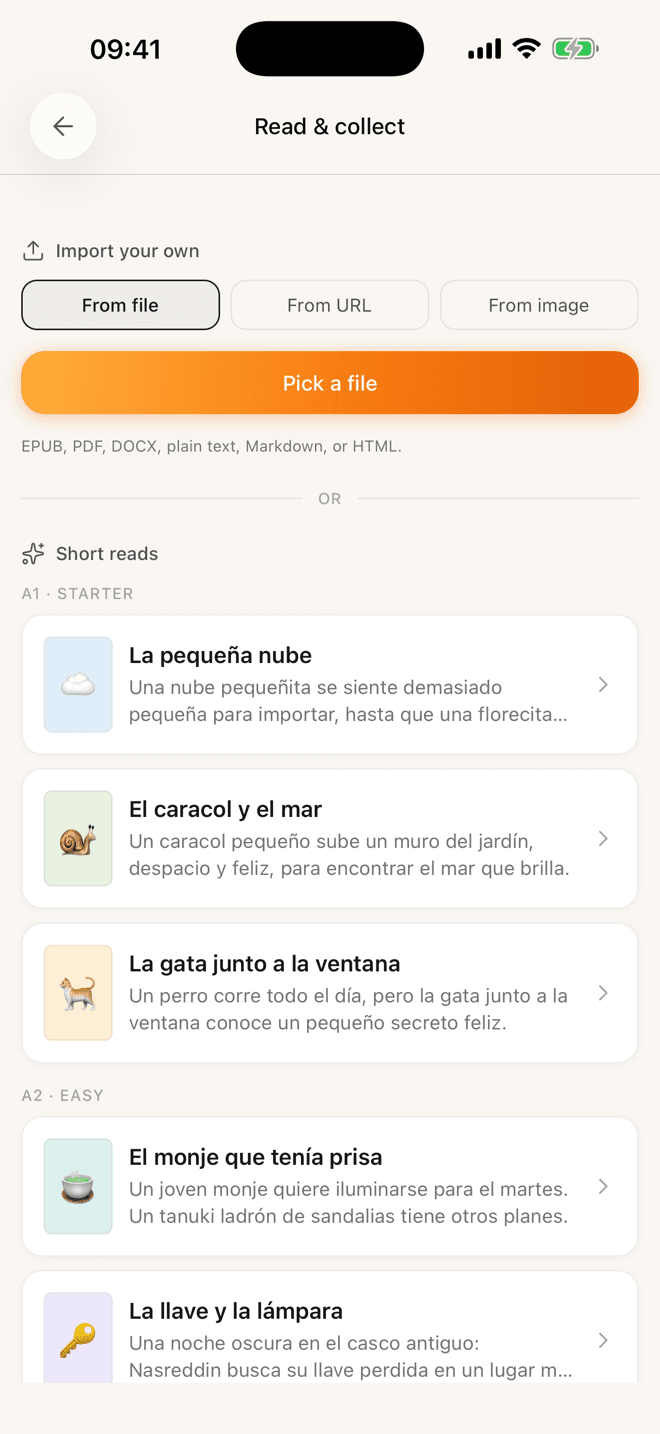
- Read on your phone, learning Spanish, German or English → Lemnly (mine).
- Your real input is Netflix → Language Reactor or similar.
- Need 50 languages, want audio and a huge back catalogue → stay on LingQ.
Disclosure first, since it changes how you should read everything below: I build Lemnly, which is one of the tools on this list.
Every other “best LingQ alternatives” page you will find today also has a stake — an affiliate commission, a competing app, or a directory site that gets paid per outbound click. Mine is just declared. What I can offer in return is that I have actually used these, and I will tell you where my own thing is worse.
Start with the complaint, not the list
Nobody wants “an alternative to LingQ”. They want a specific irritation to stop. In four years of reading forum threads about this, and having been one of the irritated, it is almost always one of four.
“The free tier is not a free tier.” LingQ caps free accounts at 20 saved words — LingQs — ever created. Not 20 at a time: 20 in total, forever. One decent news article eats that. It is a demo, and calling it a plan annoys people more than a simple paywall would.
“There is too much of it.” LingQ has accumulated a decade of features and none of them left. Lessons, courses, playlists, tutors, challenges, an avatar, statistics, a store. Some people find the density reassuring. Others open it, feel tired before reading a word, and close it.
“It doesn’t feel good on my phone.” Note that this is not about whether an app exists — LingQ ships real iOS and Android apps. It is about whether a phone-sized screen can carry that much furniture.
“What happens to my words if I stop paying?” A reasonable worry about any tool holding years of your vocabulary.
Whichever of those is yours decides the rest of this page. They point at genuinely different tools, and picking by feature grid instead of by complaint is how people end up switching twice.
If you read on a laptop: Readlang
The best web reader of the lot, and it has been for years. Install the extension, go to any page, click a word, keep reading.
- Pick it if
- Most of your reading is in a browser tab on a real computer and you want to stop breaking flow to look things up. Also if you want the cheapest paid option here.
- Skip it if
- You read mainly on a phone. There is no Readlang app in the App Store — on mobile it is a website you add to your home screen.
The extension is the thing. No importing, no “add this to my library first” — you are on a page, you click, you carry on. Words you clicked become flashcards. The free tier gives unlimited single-word translations but caps phrase translations, AI explanations and total highlights.
I want to be clear that its absent mobile app is not laziness, it is a deliberate positioning. Readlang is a desktop web tool that happens to work on phones. If that matches how you read, it is excellent and cheap and you should stop reading this article.
If you want to own everything: Lute
The answer to “what if the company disappears”. You run it, you own it, nobody can reprice it.
- Pick it if
- You are comfortable installing things, you resent subscriptions on principle, or you are learning a language the commercial tools ignore — including scripts most of them skip.
- Skip it if
- You want to read on a phone, or you want anything handed to you. You are the sysadmin now: updates, backups and syncing are yours.
Lute is the descendant of Learning With Texts, rewritten and much easier to install than its ancestor. Import a text, click words, set each one from new to known, and that state follows you across everything you read.
The trade is real and worth stating plainly: no phone app, no library, and every text is one you found yourself. For the right person that is not a cost at all.
If you read on your phone: Lemnly
Mine. A phone-first reader where looking a word up and remembering it later are the same feature.
- Pick it if
- You read on a phone, you want the reading and the reviewing in one place, and you are learning Spanish, German or English.
- Skip it if
- You need another language, or you want to read on the open web without importing anything. Both are real gaps.
I built it because I was doing this loop badly across three apps — reading in one, looking up in a second, making cards in a third — and the friction meant I stopped making cards, which meant the reading taught me much less than it should have.
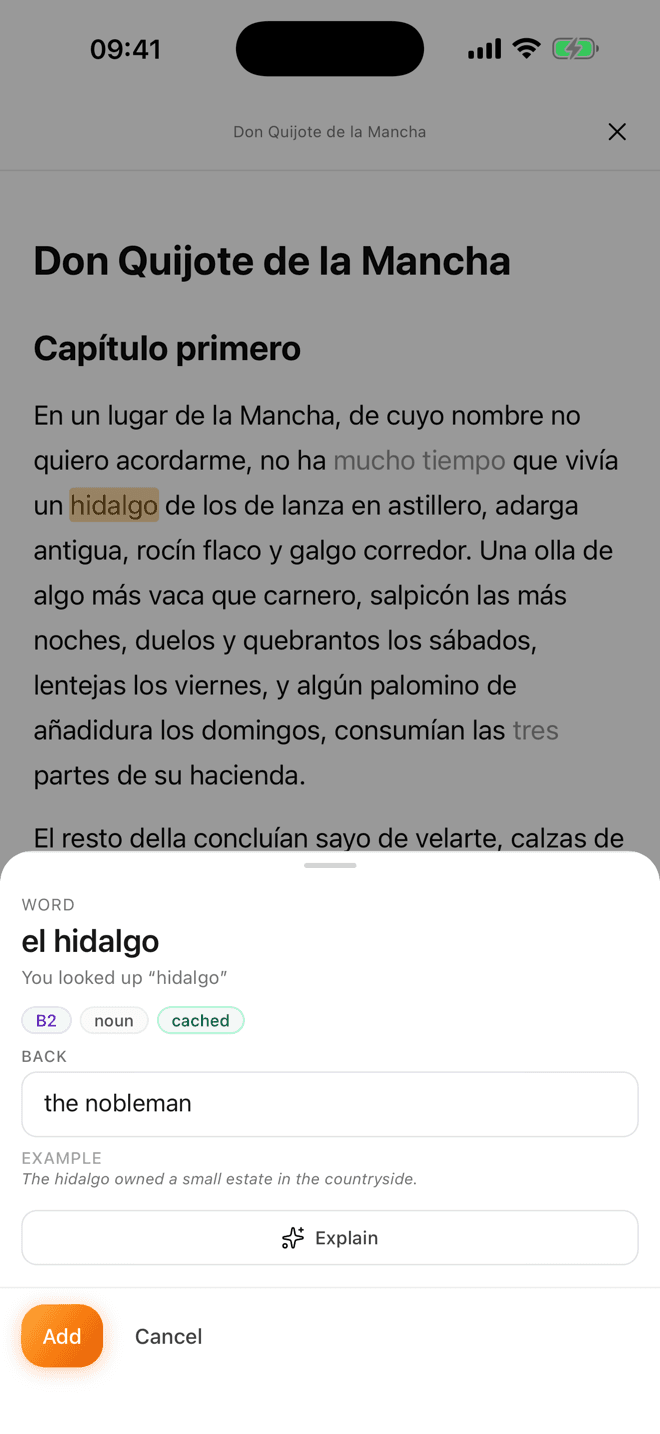
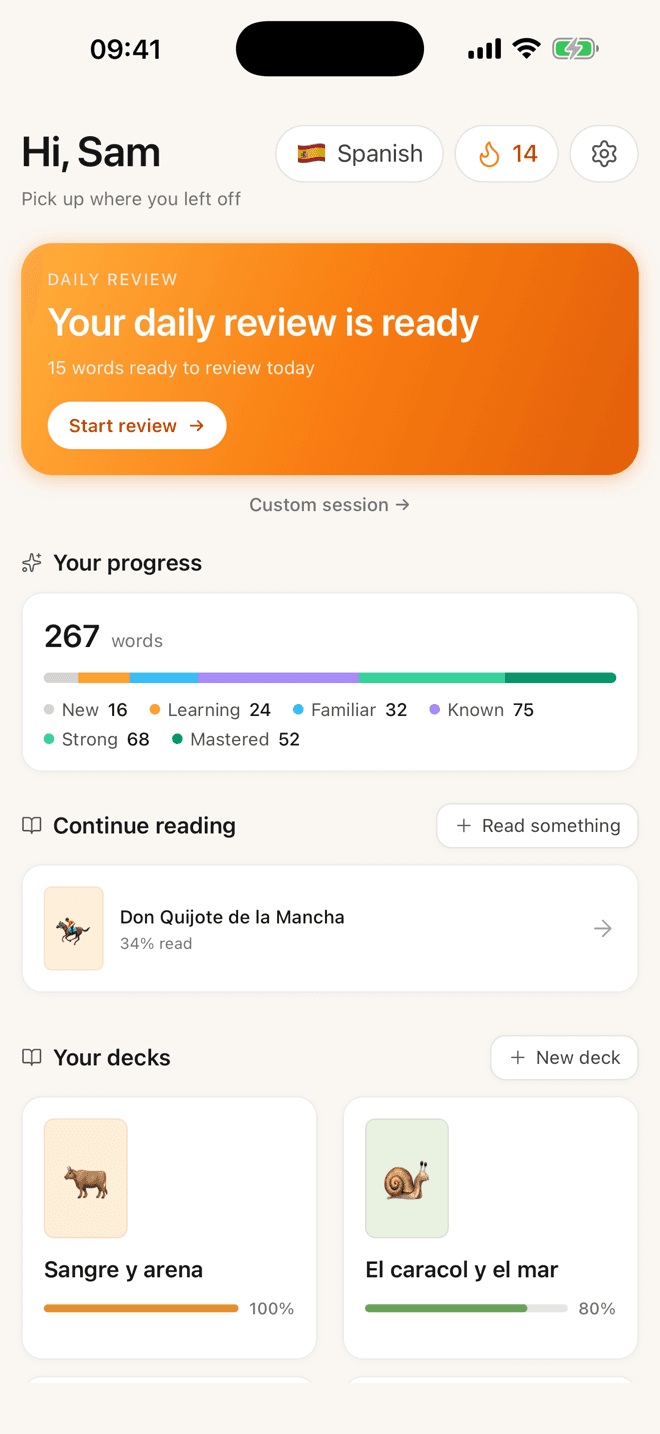
Tap a word and you get the translation, part of speech, CEFR level and an example. One more tap explains what the word is doing in that sentence grammatically, which is the bit I actually missed most. Add it and the card gets out of the way. Everything you tapped comes back later on an FSRS schedule.
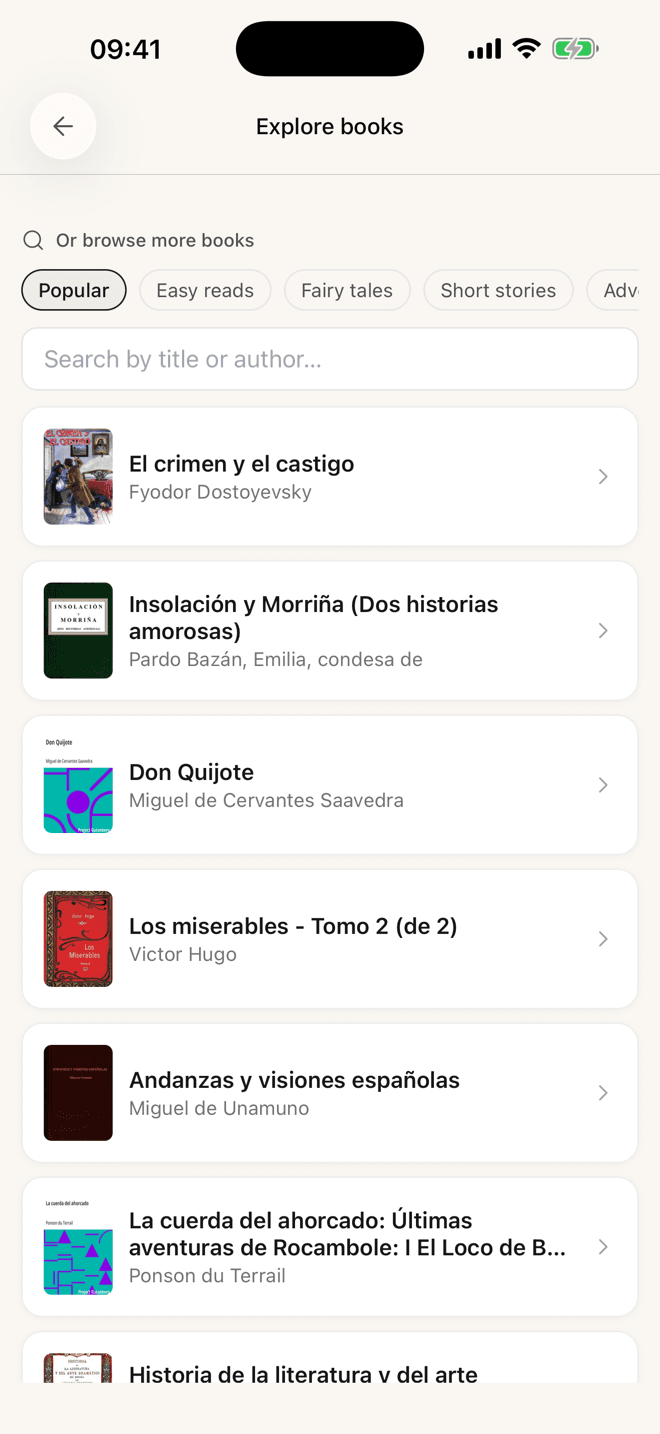
It ships with graded stories from A1 to B2 and a searchable shelf of free classics, so day one is not “go and find something to read in a language you cannot read yet.” Free, no cap on saved words. The full comparison including the losing rows is here.
If you are honest and your input is video
A decent share of people searching for a LingQ alternative do not want to read more. They want comprehensible input, and their real input is YouTube or Netflix. Browser tools that put dual subtitles on video and let you save a word — Language Reactor and Trancy are the two names that come up — do that job better than any reading app ever will.
No shame in it. Reading and listening train overlapping but genuinely different muscles, and the tool you will use beats the tool you respect.
If you only wanted the flashcards: Anki
Some LingQ leavers do not want a reader at all. They want the review engine, they trust Anki, and they are happy making cards themselves. Fine — Anki is free on desktop and Android, supports FSRS now, and will outlive all of us.
The catch is that Anki is a file format with a scheduler attached, not a workflow. You supply the discipline that turns “I met a word” into “there is a card.” For most people that gap is the entire reason they wanted a reading tool.
Three cases where you should just stay
I would rather you stayed on LingQ than switched to my thing and bounced, so:
- You need breadth. Over 50 languages. If you are learning Finnish or Korean, most of this page evaporates and LingQ is the last one standing.
- You want to be handed material. Years of lessons, much of it with audio, plus a large user base importing more. If your failure mode is “I never know what to read”, that catalogue is worth the subscription on its own.
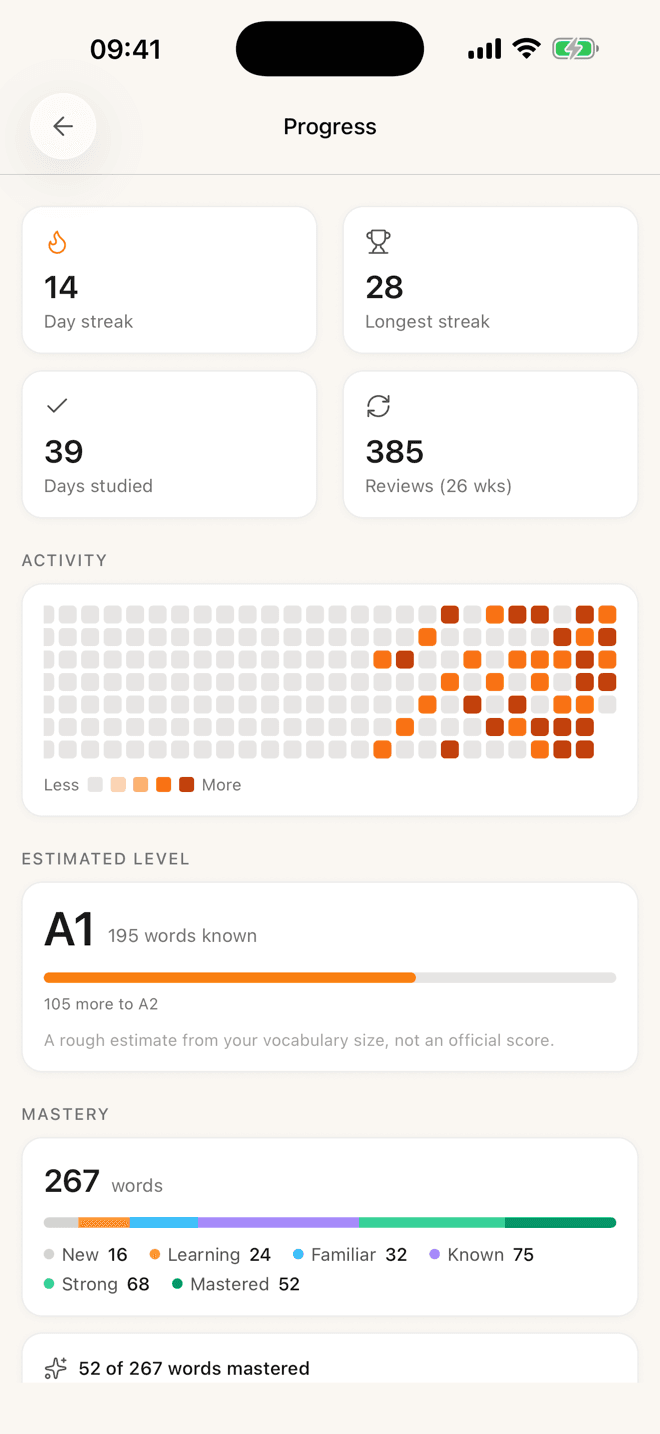
- The counter motivates you. People badly underestimate how much they will miss the known-words number. It has a decade of history behind it, and watching it climb has kept a lot of people reading through months they would otherwise have skipped.
Switching tools is not progress. It just feels like it, which is why it is such a satisfying way to avoid reading.
Genuinely: if your complaint is “I am not reading enough”, no app on this page fixes that. I have installed a new tool to solve a motivation problem more than once and it has never worked, not once. The fix is picking something you actually want to finish and reading twenty minutes of it tonight.
How to switch without losing a year
- 1Export before you cancel
While the subscription is still live, not after. This is the single most common regret in every thread I have read on the subject.
- 2Move one text, not your library
Start the new tool with one thing you genuinely want to finish. If the loop feels good on one text it will feel good on a hundred.
- 3Give it two weeks before judging
Week one of any reader feels worse than the tool you know. Judge it on whether you are still opening it on day fourteen.
The reason there are so many of these tools, and why none of them has won, is that they are all solving the easy half. Tap-to-translate has been a solved problem since about 2013. The hard half is what happens in the four seconds after the translation appears — whether the word goes somewhere that will bring it back, without you having to decide anything.
Judge every tool on this page by that four seconds. It is the only part that compounds.
Questions people ask about this
- Is LingQ worth the money?
- If you use the library, yes. The subscription buys you thousands of lessons with audio across 50+ languages, and nothing else on this list comes close to that catalogue. If you only ever import your own material, you are paying for a library you never open — and that is the profile that usually leaves.
- What is the closest free alternative to LingQ?
- Lute if you are willing to self-host, since it is free, open source and handles almost any language. Lemnly if you want something free that just works on a phone, with the caveat that it covers three languages. Readlang’s free tier is usable but capped.
- Can I export my LingQs before I cancel?
- Export while your subscription is still active, not after — this is the single most common regret in threads about leaving. Whatever you plan to do next, get your vocabulary out first and worry about the format later.
- Which is better for beginners?
- Honestly, none of them, including mine. Reading tools assume you can already read a bit. Below roughly A2 you will get more from a structured course or a graded reader series, then come back to this category once you have a couple of thousand words.
- Do any of these teach grammar?
- Not systematically, and you should not expect them to. They are input tools. Lemnly will explain what a specific word is doing in a specific sentence, which is useful in the moment, but none of these replace a grammar reference when you actually want the rule.
Prices and limits move. Everything above was checked against the vendors’ own sites in July 2026 — if you find something stale, tell me and I will fix it rather than quietly leaving it up.